
Which Claude connectors should you start with?
The best Claude connector depends on where your work lives: Notion for team knowledge, Linear for issue planning, GitHub for repository context, Figma for design implementation, Sentry for error investigation, and Stripe for payment integration work. Start with one task and check the setup for your exact Claude client.
Choose by task
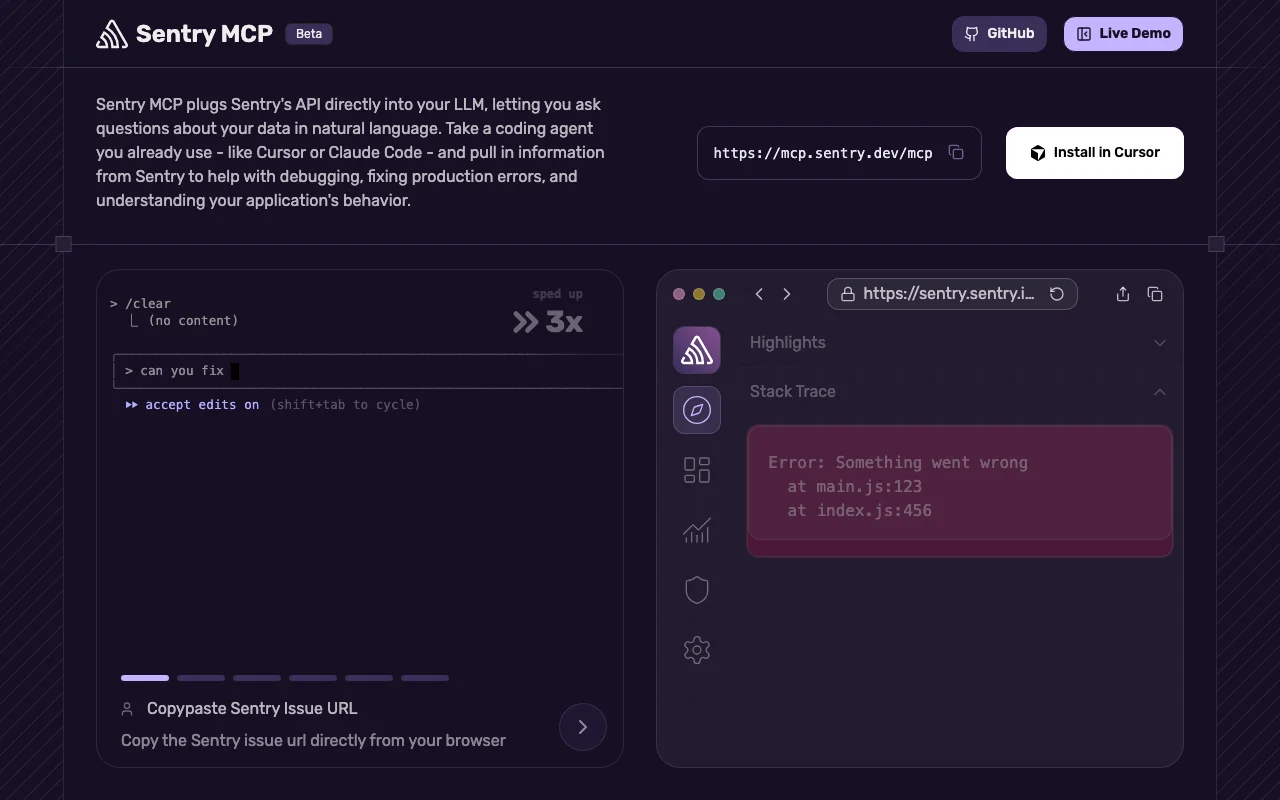
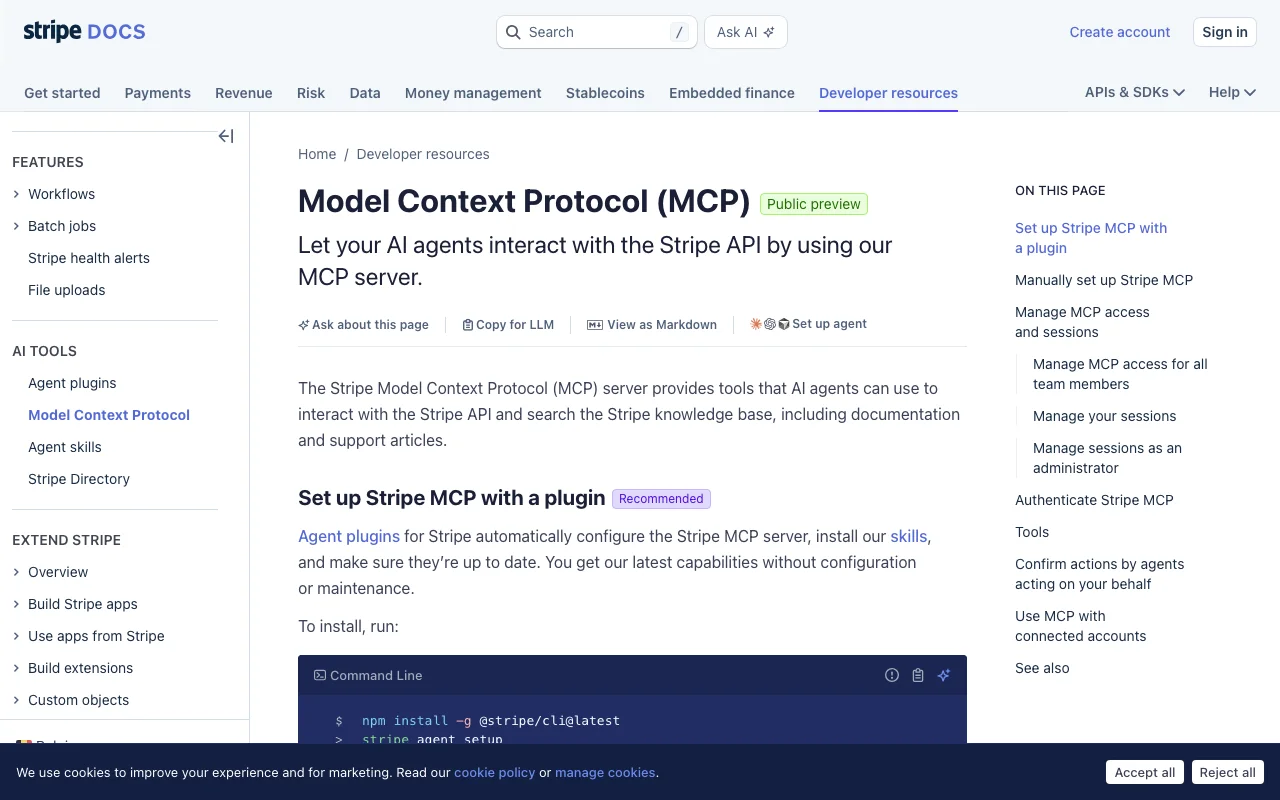
This editorial shortlist covers six distinct developer and team workflows with publisher documentation and existing API Tracker connection guides. Order follows the workflow, not a score. We reviewed the sources on November 5, 2026; we did not authenticate these integrations or benchmark them. Screenshots show public publisher documentation, not our own connected accounts.
Side by side
Select a provider for details. On smaller screens, scroll to compare.
| Connector | Best fit | Setup path | Access to check |
|---|---|---|---|
 Notion | Workspace knowledge | Connector library or remote MCP | Workspace authorization |
 Linear | Issue and project planning | Claude connector or remote MCP | OAuth; read-only option |
 GitHub | Repository and pull request context | Code: remote or local; Desktop: see caveat | Repository permissions and client-specific auth |
 Figma | Design context for implementation | Claude Code plugin or remote MCP | Figma file access; tool-specific limits |
 Sentry | Error investigation | Remote MCP; Claude Code instructions | OAuth; optional project scope |
 Stripe | Payment integration context | Claude connector, plugin or remote MCP | OAuth; workspace enablement may apply |
Workspace knowledge
Notion
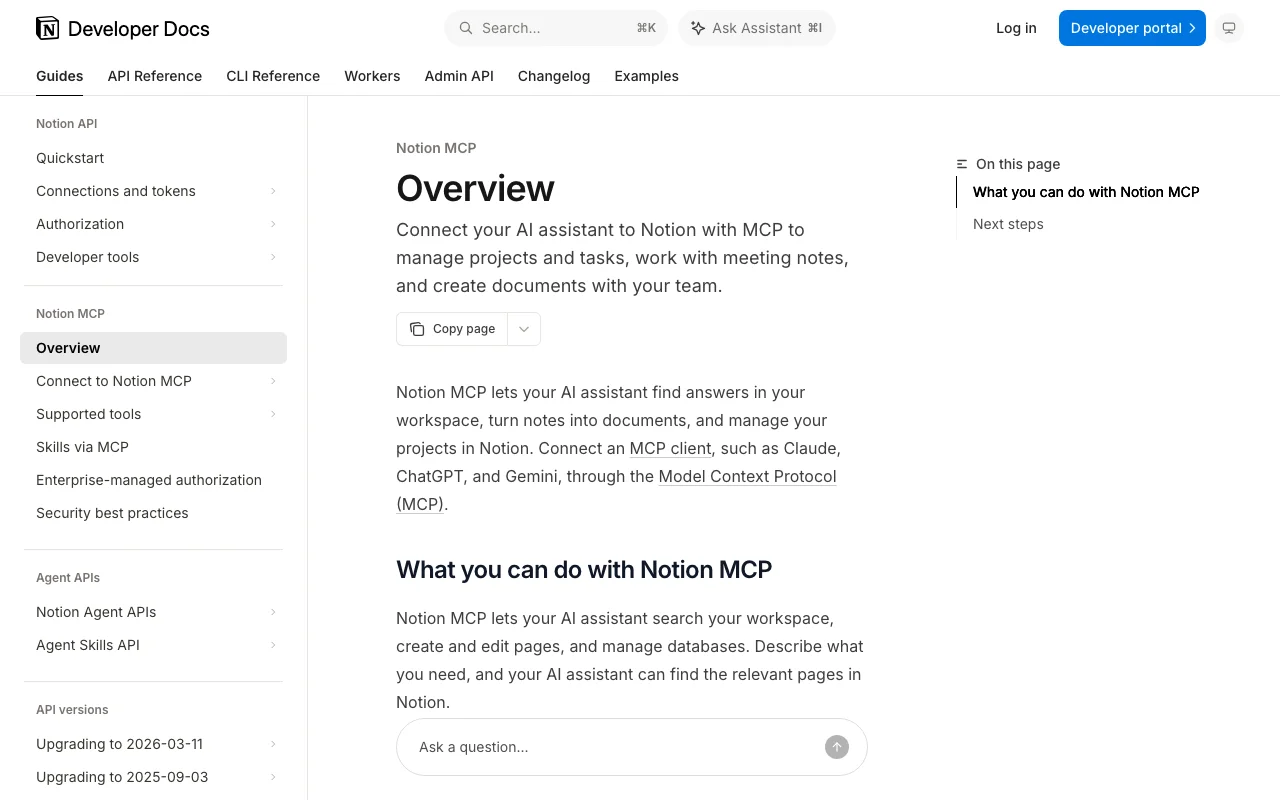
Search workspace content, create or edit pages, and work with databases. Notion is our starting pick when the answer lives in team documentation: meeting notes, a project brief or a decision log. Ask Claude to cite the pages it uses so you can check whether the summary reflects the original context.
- What you need
- Find Notion in the connector library, or follow Notion’s manual MCP setup.
- Account & access
- Authorize the intended Notion workspace; access follows the content available to your account.
- Before you choose
- A polished answer can still omit a page you cannot access. Check the source pages before turning a summary into a team decision.
- First task to try
- Find the release notes for our last launch. Summarize the decisions and link each claim to its source page. Do not edit anything.
Issue and project planning
Linear
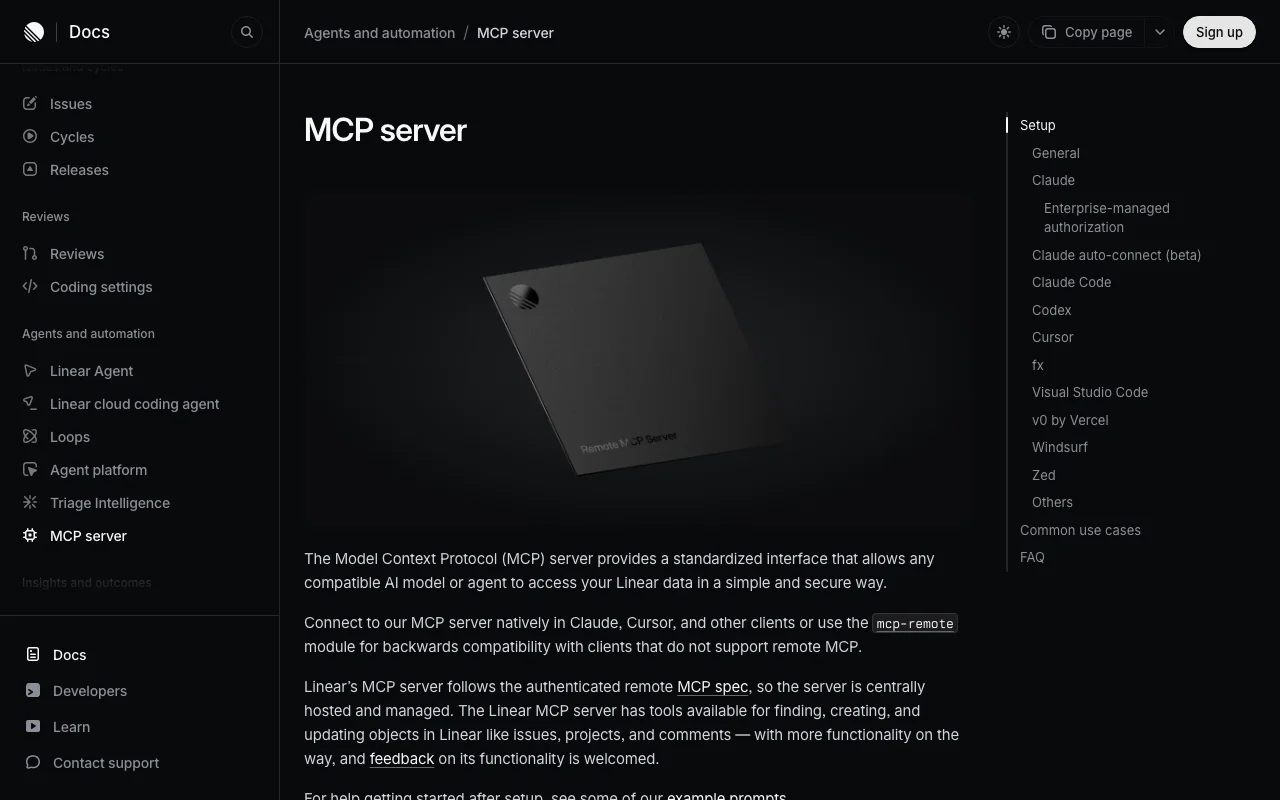
Find, create and update Linear issues, projects and comments from an assistant. Choose Linear when the work is already tracked there and you want a focused view of blockers, owners or next steps. It can connect a planning conversation to the actual backlog.
- What you need
- Use Linear’s Claude connector or its documented remote MCP endpoint.
- Account & access
- A Linear account with access to the relevant workspace. The interactive connection uses OAuth.
- Before you choose
- The standard endpoint exposes read and write access. Linear also documents a read-only endpoint; start there for reporting workflows.
- First task to try
- Find unresolved issues in our launch project. Group blockers by owner and cite each issue. Do not change statuses or assignments.
Repository and pull request context
GitHub
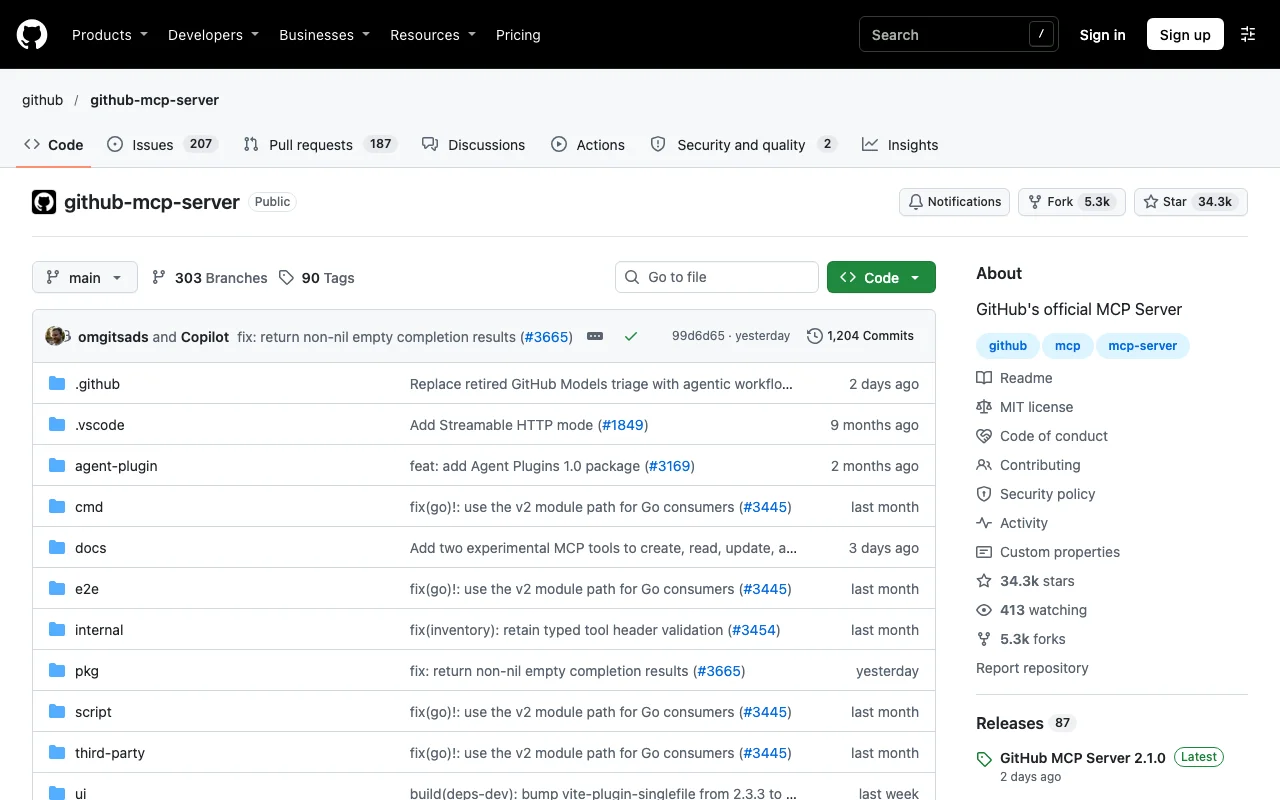
Bring repository, issue and pull request context into a development conversation through GitHub’s official MCP server. Choose it when Claude needs to understand the work around a code change, such as the linked issue or review discussion, as well as the files in your checkout.
- What you need
- Follow the installation instructions for your exact Claude client. GitHub documents remote and local setups for Claude Code.
- Account & access
- Use an account and authentication method permitted by your organization. The documented remote Claude Code setup uses a personal access token.
- Before you choose
- GitHub’s Claude guide flags a remote OAuth limitation in Claude Desktop and directs users to local setup. Do not assume a Code configuration works in Desktop.
- First task to try
- Read the linked issue and discussion for this pull request. List unresolved questions with links; do not post a review or modify the repository.
Design context for implementation
Figma
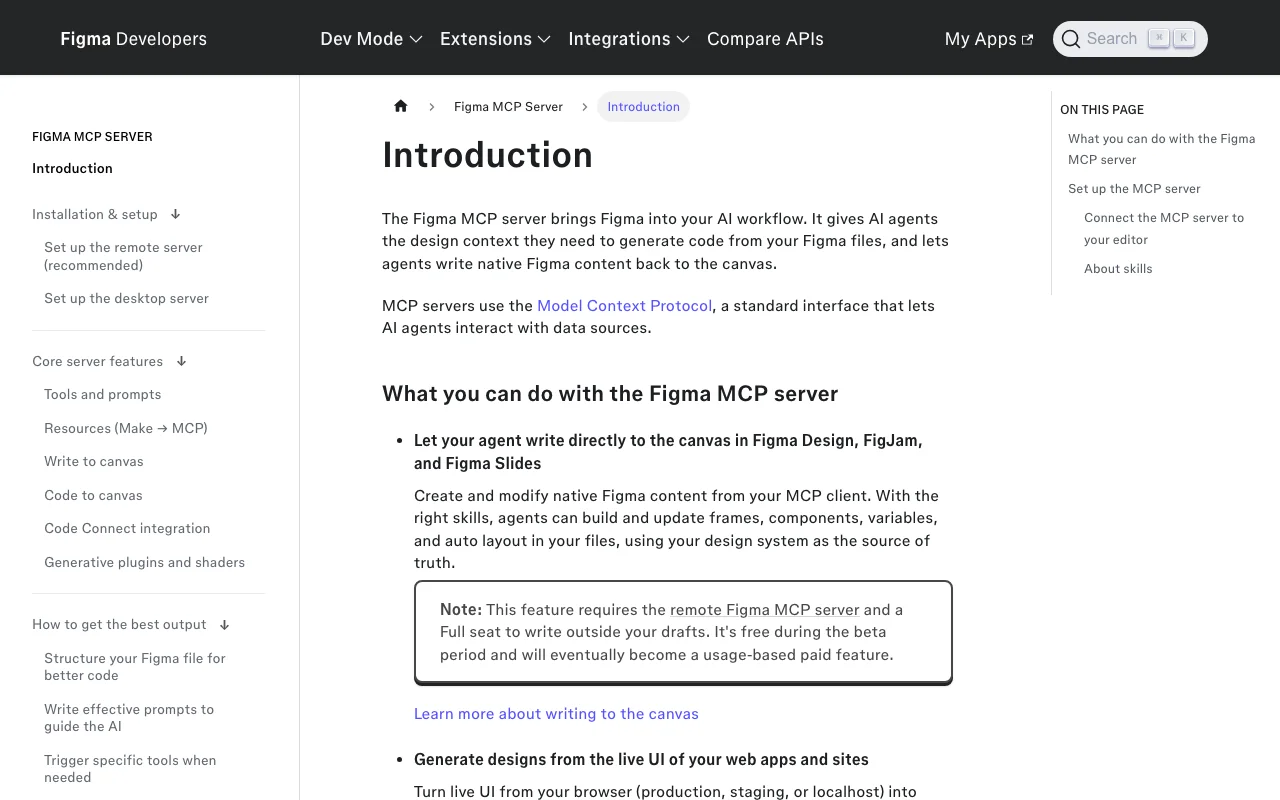
Give a coding agent the variables, components and layout context from a Figma file. Choose Figma when you are implementing an existing design and need more detail than a screenshot can provide. Keep the frame URL and the relevant code components together in the task.
- What you need
- Use Figma’s documented Claude Code plugin or remote MCP setup with a supported client.
- Account & access
- Sign in with a Figma account that can access the design. Check the current seat and usage requirements for the tools you need.
- Before you choose
- The remote server supports selected clients. Reading design context and writing to the canvas have different requirements; do not treat a successful connection as permission for every operation.
- First task to try
- Read this frame and identify its spacing, variables and reusable components. Propose an implementation plan before editing code or the design.
Error investigation
Sentry
Search errors, inspect performance context and triage issues through Sentry’s MCP server. Choose it when an incident starts with a production symptom and you need evidence to narrow the investigation. A useful response should point to the underlying issue rather than just propose a plausible fix.
- What you need
- Add the documented remote MCP server; Sentry provides a Claude Code setup command.
- Account & access
- Sign in to Sentry through OAuth. Use an account with access to the project you intend to investigate.
- Before you choose
- Sentry supports organization- and project-scoped endpoints. Prefer a project scope for a focused investigation, and verify a diagnosis against the events before changing code.
- First task to try
- Find the recent errors for this project and summarize the recurring failure patterns with issue links. Do not resolve or reassign issues.
Payment integration context
Stripe
Use Stripe’s MCP tools to interact with the Stripe API and search its documentation and support knowledge. Choose it when you are building or investigating a payment integration and need Stripe-specific context alongside the implementation. Separate learning the API from making changes to an account.
- What you need
- Stripe documents a Claude connector and a remote Claude Code setup; its agent plugin is another setup path.
- Account & access
- Authorize your Stripe account. For Team and Enterprise, Stripe says a workspace owner must add the connector before members connect.
- Before you choose
- Review the granted permissions and account mode before using tools. Start with documentation or a test environment before attempting changes to payment data.
- First task to try
- Find the Stripe documentation relevant to our webhook integration. Explain how to validate signatures and handle duplicate events, with source links.
What is a Claude connector?
A connector gives Claude access to an external service through the tools and permissions that connection exposes. Remote MCP is one way to supply those tools. A connector library helps you find integrations; a custom connector lets you add a remote server directly.
These are different from simply attaching a document to a conversation. The useful question is which live records the connection can read or change. A plugin may bundle MCP configuration with skills, while a local server runs through a compatible local client. Check the publisher’s instructions for the path you intend to use.
How do you connect these tools to Claude?
Start with the publisher’s instructions linked under each entry. For a listed connector, find the integration in Claude’s connector settings, authorize the intended account and inspect the available tools. In a managed workspace, check whether an administrator needs to enable the integration first.
For a custom remote connector, use the publisher’s documented server URL and authentication flow. Claude’s custom connectors connect from Anthropic’s cloud infrastructure, so a server reachable only on your laptop is not the same setup. Local stdio instructions belong to a compatible local client.
Treat Claude Code and Claude Desktop as separate setup targets. GitHub’s installation guide is a concrete example: its remote Code instructions and Desktop guidance differ. Keep tokens out of prompts, shared screenshots and committed configuration.
Which connectors work well together?
For a release review, our suggested sequence is Notion for the agreed scope, Linear for open blockers, and GitHub for the implementation discussion. Ask Claude to keep a source link beside each finding and call out disagreements between systems. This is a proposed workflow, not an end-to-end test result.
For an interface bug, use Figma to establish the intended behavior, GitHub for the code context, and Sentry for observed failures. Review the evidence before asking for a fix. Connectors make context available; they do not establish that the model’s diagnosis is correct.
If your task is browser interaction rather than records or design context, use the related browser automation guide below. If you need a broader choice, browse the Claude connector directory. A short list is a starting point, not a claim that other integrations lack support.
Are Claude connectors free?
Do not equate a free server package with a free workflow. Check your Claude plan, the connected product account, usage limits and workspace policy separately. Figma’s documentation, for example, distinguishes tools and access requirements. We omit a single price comparison because these entries do not share the same billing unit.
Before expanding a workflow, record one concrete success criterion: source-linked answers, the correct project scope, or an accurate mapping from a design frame to components. Test write actions separately from read access. A successful sign-in is not proof that every required operation is available.
Your next step
Use these checks in a bounded proof of integration.
- Pick one recurring task and the system that owns the answer.
- Open the linked connection guide and confirm the instructions for Claude Code, web or Desktop.
- Authorize the intended account with the narrowest appropriate access.
- Try the read-only prompt in the entry and verify every returned source link.
- Only then evaluate write actions, account limits and any additional connectors.
Profiles to inspect: Claude connector directory · MCP connection guides · Remote vs local MCP
Frequently asked questions
Which Claude connector is best for team knowledge?
Notion is our shortlist pick when the source material lives in a Notion workspace. Ask for links to the original pages and verify that the connected account can access the documents needed for the answer.
Do Claude Code and Claude Desktop use the same connector setup?
Not always. Follow the publisher’s client-specific instructions. GitHub’s Claude guide, for example, documents a remote setup for Code while flagging a remote OAuth limitation for Desktop and directing Desktop users to local setup.
Does a Claude directory listing mean an integration was tested by API Tracker?
No. Directory membership, publisher documentation and runtime testing are different evidence. This shortlist is based on documentation review; API Tracker did not authenticate or execute these six integrations for the article.
Can Claude connectors change data?
Some expose write tools as well as reads. Linear documents tools for creating and updating objects, and Notion documents page edits. Inspect the available tools and granted permissions before allowing changes.
What do the screenshots show?
The screenshots are captures of public publisher documentation, dated November 5, 2026. They illustrate the source and setup context; they are not screenshots of authenticated workflows or evidence of successful tool execution.
Sources and editorial scope
Product statements refer to the publisher sources below, reviewed on 2026-11-05. The decision criteria and checklists are API Tracker’s editorial analysis. They are not compatibility certifications or benchmark results. API Tracker is built by Apideck.
- Claude: custom connectors and remote MCP ↗
- Figma: remote server setup ↗
- Stripe: MCP and Claude setup ↗
- GitHub: Claude installation guide ↗
- Notion: connect your AI assistant ↗
- Figma: MCP server introduction ↗
- Notion: MCP overview ↗
- Linear: MCP server and client setup ↗
- GitHub: official MCP server ↗
- Sentry: MCP server setup ↗