


Find your starting point

Your appQuickBooks logoQuickBooks API

What can I do with this?

QuickBooks Online provides an Accounting API for applications integrating accounting data. Start with Intuit’s developer documentation.

What credentials do I need?

Authentication and permission requirements have not been reviewed here. Check the provider documentation for the required keys, OAuth scopes and account access before sending a request.

Check provider documentation ↗

Can I test without an account?

Account-free API calls have not been verified for this profile. You can inspect specifications and prepare requests in the explorer without running them.

Requests run only when you choose to send them. Browser access depends on the provider’s CORS policy.

Setup resources

2 MCP Servers

QuickBooks Online local: connection requirements
Transport
Local stdio
Authentication
Intuit OAuth 2.0 app, company authorization and refresh token.

Build the publisher repository and complete the OAuth setup before configuring the local process. QuickBooks Desktop is outside this implementation’s scope.

Documentation reviewed · Connection not runtime-tested.

QuickBooks Online hosted pilot: connection requirements
Transport
Remote HTTPS
Authentication
Intuit OAuth and restricted MCP scopes provisioned for approved pilot partners.
Server URL
https://mcp.quickbooks.intuit.com/mcp

Access requires an invitation through the Intuit partner pilot. A published endpoint does not establish general availability.

Documentation reviewed · Connection not runtime-tested.

Integration details

Suggest an update ↗

Check QuickBooks API status and incidents →

Documentation & getting started

Developer documentation
View Developer documentation
Postman collection
View Postman collection

API interface

API styles
REST, GraphQL
Webhook management
View Webhook management

Authentication & access

Identity protocols
OpenID Connect
Developer account
Supported
Request developer access
View Request developer access
App listing requirements
View App listing requirements

Pricing & operations

Tools & community

These are the details currently listed in our catalog. Omitted fields are unknown, not necessarily unsupported. Confirm current requirements in the provider’s documentation.

Frequently asked questions

What is QuickBooks?

QuickBooks Online provides an Accounting API for applications integrating accounting data. Start with Intuit’s developer documentation.

How can I test QuickBooks Online authorization?

Intuit provides an OAuth 2.0 playground for testing authorization. Create an Intuit developer app and follow the Accounting API setup flow; keep sandbox and production credentials separate.

Provider source
Can I develop against sample QuickBooks Online data?

Intuit provides sandbox companies associated with a developer account for testing with sample data. Configure your app’s authorization for the sandbox environment before making accounting requests.

Provider source
Which QuickBooks credentials should I use with a sandbox company?

Use the client credentials from the Development section of your Intuit developer account. Production credentials belong to live apps and companies; keep the company and credential environment aligned.

Source checked

Read publisher documentation
Where can I find QuickBooks provider documentation?

Use the linked QuickBooks provider documentation to check setup and supported capabilities.

Read documentation
What does the official QuickBooks Online local MCP implementation support?

Access supported QuickBooks Online entities and financial reports through Intuit’s local MCP server. Supported operations are limited to those exposed by this implementation. Publisher evidence reviewed 2026-10-26. This review does not establish a working connection.

View publisher evidence
How do I connect to QuickBooks Online local MCP?

Local stdio. Intuit OAuth 2.0 app, company authorization and refresh token. Build the publisher repository and complete the OAuth setup before configuring the local process. QuickBooks Desktop is outside this implementation’s scope. Documentation reviewed 2026-10-26; not runtime-tested.

Read connection instructions
What does the official QuickBooks Online hosted pilot MCP implementation support?

Invitation-only Intuit hosted MCP pilot for selected QuickBooks Online capabilities. Supported operations are limited to those exposed by this implementation. Publisher evidence reviewed 2026-10-22. This review does not establish a working connection.

View publisher evidence
How do I connect to QuickBooks Online hosted pilot MCP?

Remote HTTPS. Intuit OAuth and restricted MCP scopes provisioned for approved pilot partners. Access requires an invitation through the Intuit partner pilot. A published endpoint does not establish general availability. Documentation reviewed 2026-10-22; not runtime-tested.

Read connection instructions
How current is this QuickBooks profile?

The summary was reviewed on 2026-10-20. Later source checks are dated beside individual answers. Other catalog fields may be older. Missing details are unknown, not proof that a feature is unsupported. Confirm current requirements with the provider.

Read our methodology

Official Tutorials

Articles & Guides

How to Standardize Data Across Accounting Software: QuickBooks, Xero, NetSuite, Sage

How to standardize and normalize data across QuickBooks, Xero, NetSuite, and Sage during accounting API integration. Covers field-level invoice, contact, tax, and chart of accounts divergence with comparison tables, code samples, and normalization patterns for multi-platform support.

ERP Integration for Fintech and SaaS: Connecting QuickBooks, NetSuite, and Sage the Smart Way

How to connect fintech and SaaS platforms to QuickBooks, NetSuite, and Sage. This guide covers integration challenges, per-platform comparison (auth methods, rate limits, data models, integration time), 2026 API pricing changes, best practices, and how unified APIs reduce ERP integration from months to weeks.

How to Integrate the QuickBooks Desktop API Without Building a SOAP Server

Integrate the QuickBooks Desktop API without writing a SOAP server or touching QBXML. Read and write Desktop data through one REST endpoint on Apideck's unified Accounting API.

How to Build an Integration with the QuickBooks Desktop API in 2026

Learn how to build an integration with the QuickBooks Desktop API in 2026, including SOAP service setup, Web Connector configuration, and QBXML implementation. Complete guide with code examples, common pitfalls, and production-ready patterns for connecting your app to QuickBooks Desktop.

How to Build a QuickBooks Bank Feed Integration Natively

A technical guide to QuickBooks bank feed integration: the OFX partner program, three connection types, FDX format, and QuickBooks Desktop bank feeds support.

Exploring the Quickbooks Online Accounting API

In this article, you'll understand how the API works, how you can connect to it, and how you can actually use it to perform various tasks, such as automatically updating accounts, invoices, bills, and more. Furthermore, you'll learn about the Apideck Unified API platform that simplifies the entire process.

And 102 more articles available...

QuickBooks Videos

We don't have videos for this API yet. Get in touch to suggest profile updates.

We don't have tips for this API yet. Get in touch if you want to submit a tip.

Developer Portal

Historical capture ·

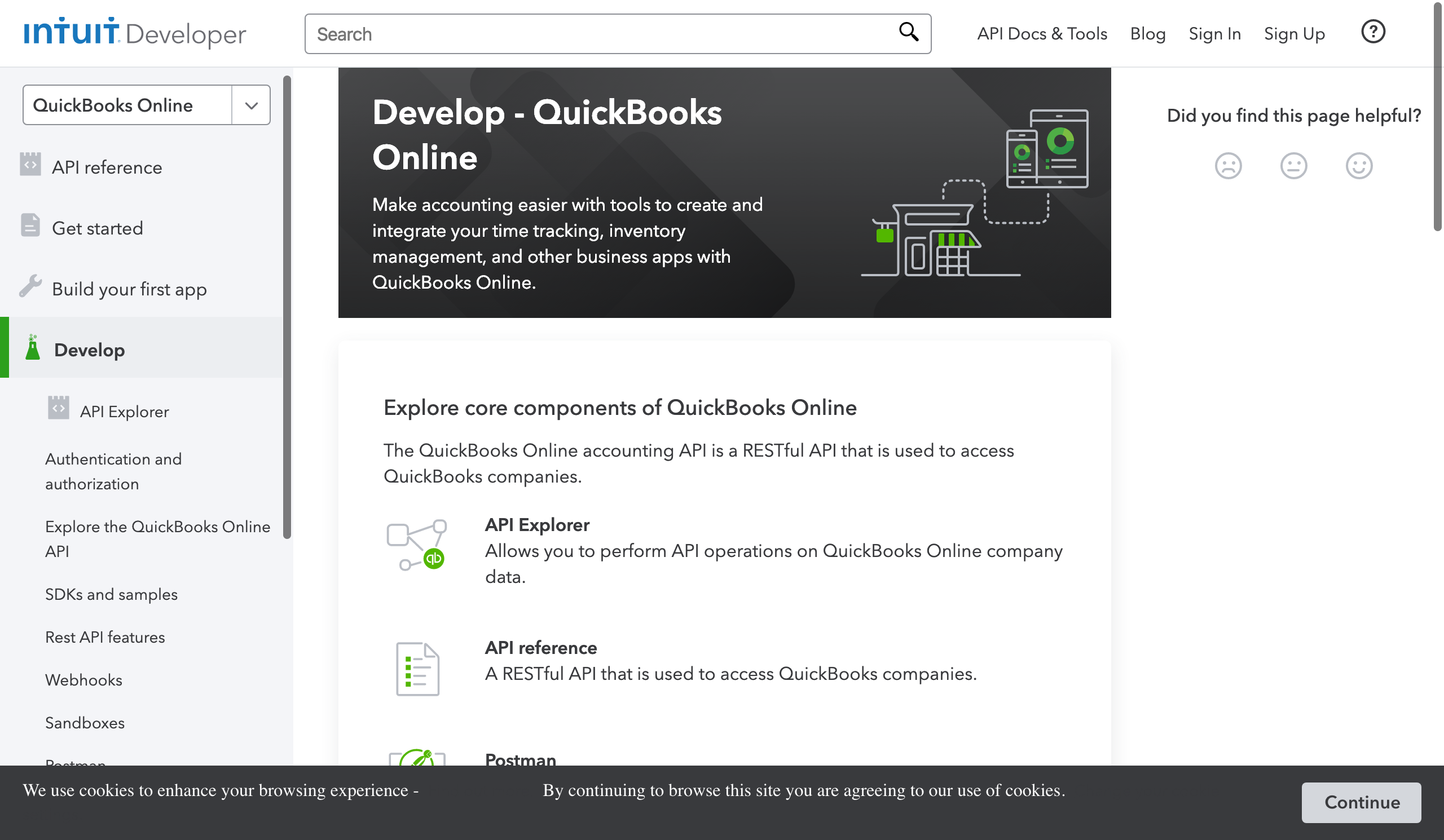
Developer Portalhttps://developer.intuit.com/app/developer/qbo/docs/develop

Compare QuickBooks API

Share this listing For your docs, website, or community

Help developers discover this integration

Share the profile or add a listing badge to your website. Sharing is optional and does not affect placement or verification.

Add to your website

Listed on API Tracker ↗

A directory listing, not a certification or Official MCP badge.