Before you connect

Find your starting point

Your appOso logoOso API

What can I do with this?

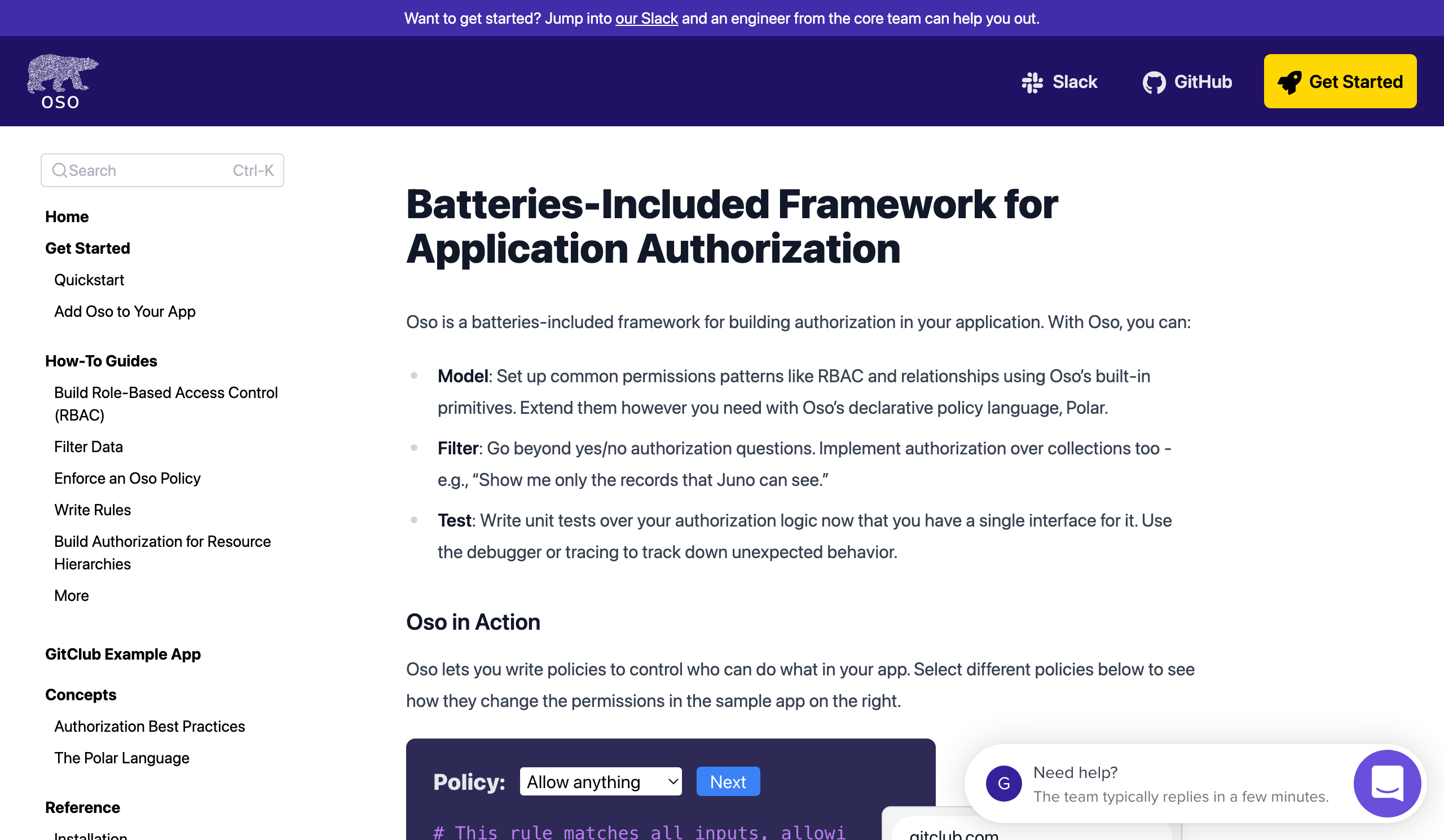
A batteries-included library for building authorization in your application — with support for role-based access control, integrations with common programming languages and frameworks, and a declarative policy language to support any use case.

What credentials do I need?

Authentication and permission requirements have not been reviewed here. Check the provider documentation for the required keys, OAuth scopes and account access before sending a request.

Check provider documentation ↗

Can I test without an account?

Account-free API calls have not been verified for this profile. You can inspect specifications and prepare requests in the explorer without running them.

Requests run only when you choose to send them. Browser access depends on the provider’s CORS policy.

1 API

GlossaryGlossary Oso is an authorization system: its purpose is to allow you to selectively control access to certain application resources. In this document, we’ll explore the basic concepts that Oso uses to help you accomplish this goal. Actors Actors are the subjects of authorization queries. Actors will often be application end-users, but could also represent service users, API clients, or other internal systems. They may be represented by simple strings such as usernames or email addresses, or by a structured identity token like a JWT. Actions Actions are the verbs of authorization queries. They distinguish between different kinds of queries for a given resource by indicating what the actor is attempting to do. For a web application, the action might be an HTTP request method like GET or POST. Resources Resources are the objects of authorization queries. They represent the application components that we wish to protect. They might be designated by a URI or other string, or may be an application type. Queries In Oso, an authorization query takes the form: May actor perform action on resource? Queries are made using the Oso library. Policies Oso evaluates queries using authorization logic contained in policies. Policies are written as code in a declarative policy language called Polar. Polar is designed to provide a simple but expressive syntax for authorization logic. For more information on Polar, see the language documentation, and for examples of different kinds of policies you can express with it, see the Policy Examples section. Policies are stored in Polar files (extension .polar), which are loaded into the authorization engine using the Oso Libraries. Once loaded, policies can be used to evaluate authorization queries. Policies are made up of rules. Each rule defines a statement that is either true or false. In Oso, one such rule is distinguished, and used to drive the authorization decision: the allow rule. Allow Rules A basic allow rule has the form: allow(actor, action, resource); We could read this as: actor may perform action on resource Oso answers an authorization query by matching the supplied actor, action, and resource arguments with the parameters of allow rules specified in the policy. For instance, let’s imagine we are using Oso to write an authorization system for an airport. We’ll start with a very simple policy: suppose that passengers Alice and Bob are allowed to board any flight. One simple way to write such a policy in Polar would be: allow("alice", "board", "flight"); allow("bob", "board", "flight"); Now an authorization query where actor is the string "bob", action is the string "board", and resource is the string "flight" would be evaluated as follows: the first rule would fail to match (since "bob" != "alice"), but the second matches all three arguments with the rule parameters, so the authorization query completes successfully, and access is granted. Now, what happens if an actor named "charlie" tries to board a flight? In that case, no matching rules will be found, so the authorization query fails and access is denied. Thus we see that policies are “deny by default”. `. -- Summary In Oso, authorization begins with a query, which is evaluated against a policy written in the Polar language. Policies are made up of rules, and allow rules are used to grant access from the oso.is_allowed() method. For more detailed examples of Oso in action, check out our authorization model guides.

GlossaryGlossary Oso is an authorization system: its purpose is to allow you to selectively control access to certain application resources. In this document, we’ll explore the basic concepts that Oso uses to help you accomplish this goal. Actors Actors are the subjects of authorization queries. Actors will often be application end-users, but could also represent service users, API clients, or other internal systems. They may be represented by simple strings such as usernames or email addresses, or by a structured identity token like a JWT. Actions Actions are the verbs of authorization queries. They distinguish between different kinds of queries for a given resource by indicating what the actor is attempting to do. For a web application, the action might be an HTTP request method like GET or POST. Resources Resources are the objects of authorization queries. They represent the application components that we wish to protect. They might be designated by a URI or other string, or may be an application type. Queries In Oso, an authorization query takes the form: May actor perform action on resource? Queries are made using the Oso library. Policies Oso evaluates queries using authorization logic contained in policies. Policies are written as code in a declarative policy language called Polar. Polar is designed to provide a simple but expressive syntax for authorization logic. For more information on Polar, see the language documentation, and for examples of different kinds of policies you can express with it, see the Policy Examples section. Policies are stored in Polar files (extension .polar), which are loaded into the authorization engine using the Oso Libraries. Once loaded, policies can be used to evaluate authorization queries. Policies are made up of rules. Each rule defines a statement that is either true or false. In Oso, one such rule is distinguished, and used to drive the authorization decision: the allow rule. Allow Rules A basic allow rule has the form: allow(actor, action, resource); We could read this as: actor may perform action on resource Oso answers an authorization query by matching the supplied actor, action, and resource arguments with the parameters of allow rules specified in the policy. For instance, let’s imagine we are using Oso to write an authorization system for an airport. We’ll start with a very simple policy: suppose that passengers Alice and Bob are allowed to board any flight. One simple way to write such a policy in Polar would be: allow("alice", "board", "flight"); allow("bob", "board", "flight"); Now an authorization query where actor is the string "bob", action is the string "board", and resource is the string "flight" would be evaluated as follows: the first rule would fail to match (since "bob" != "alice"), but the second matches all three arguments with the rule parameters, so the authorization query completes successfully, and access is granted. Now, what happens if an actor named "charlie" tries to board a flight? In that case, no matching rules will be found, so the authorization query fails and access is denied. Thus we see that policies are “deny by default”. `. -- Summary In Oso, authorization begins with a query, which is evaluated against a policy written in the Polar language. Policies are made up of rules, and allow rules are used to grant access from the oso.is_allowed() method. For more detailed examples of Oso in action, check out our authorization model guides.

Native API

BUILD WITH Oso

Integration details

Suggest an update ↗

Documentation & getting started

Developer documentation
View Developer documentation

Pricing & operations

Tools & community

These are the details currently listed in our catalog. Omitted fields are unknown, not necessarily unsupported. Confirm current requirements in the provider’s documentation.

QUICK ANSWERS

Frequently asked questions

What is Oso?

A batteries-included library for building authorization in your application — with support for role-based access control, integrations with common programming languages and frameworks, and a declarative policy language to support any use case.

Where can I find Oso provider documentation?

Use the linked Oso provider documentation to check setup and supported capabilities.

Read documentation
How current is this Oso profile?

API Tracker summarizes available catalog information. Missing fields mean we have not established those details; they do not mean a feature is unsupported. Confirm current requirements with the provider.

Read our methodology

Official Tutorials

GlossaryGlossary Oso is an authorization system: its purpose is to allow you to selectively control access to certain application resources. In this document, we’ll explore the basic concepts that Oso uses to help you accomplish this goal. Actors Actors are the subjects of authorization queries. Actors will often be application end-users, but could also represent service users, API clients, or other internal systems. They may be represented by simple strings such as usernames or email addresses, or by a structured identity token like a JWT. Actions Actions are the verbs of authorization queries. They distinguish between different kinds of queries for a given resource by indicating what the actor is attempting to do. For a web application, the action might be an HTTP request method like GET or POST. Resources Resources are the objects of authorization queries. They represent the application components that we wish to protect. They might be designated by a URI or other string, or may be an application type. Queries In Oso, an authorization query takes the form: May actor perform action on resource? Queries are made using the Oso library. Policies Oso evaluates queries using authorization logic contained in policies. Policies are written as code in a declarative policy language called Polar. Polar is designed to provide a simple but expressive syntax for authorization logic. For more information on Polar, see the language documentation, and for examples of different kinds of policies you can express with it, see the Policy Examples section. Policies are stored in Polar files (extension .polar), which are loaded into the authorization engine using the Oso Libraries. Once loaded, policies can be used to evaluate authorization queries. Policies are made up of rules. Each rule defines a statement that is either true or false. In Oso, one such rule is distinguished, and used to drive the authorization decision: the allow rule. Allow Rules A basic allow rule has the form: allow(actor, action, resource); We could read this as: actor may perform action on resource Oso answers an authorization query by matching the supplied actor, action, and resource arguments with the parameters of allow rules specified in the policy. For instance, let’s imagine we are using Oso to write an authorization system for an airport. We’ll start with a very simple policy: suppose that passengers Alice and Bob are allowed to board any flight. One simple way to write such a policy in Polar would be: allow("alice", "board", "flight"); allow("bob", "board", "flight"); Now an authorization query where actor is the string "bob", action is the string "board", and resource is the string "flight" would be evaluated as follows: the first rule would fail to match (since "bob" != "alice"), but the second matches all three arguments with the rule parameters, so the authorization query completes successfully, and access is granted. Now, what happens if an actor named "charlie" tries to board a flight? In that case, no matching rules will be found, so the authorization query fails and access is denied. Thus we see that policies are “deny by default”. `. -- Summary In Oso, authorization begins with a query, which is evaluated against a policy written in the Polar language. Policies are made up of rules, and allow rules are used to grant access from the oso.is_allowed() method. For more detailed examples of Oso in action, check out our authorization model guides.GlossaryGlossary Oso is an authorization system: its purpose is to allow you to selectively control access to certain application resources. In this document, we’ll explore the basic concepts that Oso uses to help you accomplish this goal. Actors Actors are the subjects of authorization queries. Actors will often be application end-users, but could also represent service users, API clients, or other internal systems. They may be represented by simple strings such as usernames or email addresses, or by a structured identity token like a JWT. Actions Actions are the verbs of authorization queries. They distinguish between different kinds of queries for a given resource by indicating what the actor is attempting to do. For a web application, the action might be an HTTP request method like GET or POST. Resources Resources are the objects of authorization queries. They represent the application components that we wish to protect. They might be designated by a URI or other string, or may be an application type. Queries In Oso, an authorization query takes the form: May actor perform action on resource? Queries are made using the Oso library. Policies Oso evaluates queries using authorization logic contained in policies. Policies are written as code in a declarative policy language called Polar. Polar is designed to provide a simple but expressive syntax for authorization logic. For more information on Polar, see the language documentation, and for examples of different kinds of policies you can express with it, see the Policy Examples section. Policies are stored in Polar files (extension .polar), which are loaded into the authorization engine using the Oso Libraries. Once loaded, policies can be used to evaluate authorization queries. Policies are made up of rules. Each rule defines a statement that is either true or false. In Oso, one such rule is distinguished, and used to drive the authorization decision: the allow rule. Allow Rules A basic allow rule has the form: allow(actor, action, resource); We could read this as: actor may perform action on resource Oso answers an authorization query by matching the supplied actor, action, and resource arguments with the parameters of allow rules specified in the policy. For instance, let’s imagine we are using Oso to write an authorization system for an airport. We’ll start with a very simple policy: suppose that passengers Alice and Bob are allowed to board any flight. One simple way to write such a policy in Polar would be: allow("alice", "board", "flight"); allow("bob", "board", "flight"); Now an authorization query where actor is the string "bob", action is the string "board", and resource is the string "flight" would be evaluated as follows: the first rule would fail to match (since "bob" != "alice"), but the second matches all three arguments with the rule parameters, so the authorization query completes successfully, and access is granted. Now, what happens if an actor named "charlie" tries to board a flight? In that case, no matching rules will be found, so the authorization query fails and access is denied. Thus we see that policies are “deny by default”. `. -- Summary In Oso, authorization begins with a query, which is evaluated against a policy written in the Polar language. Policies are made up of rules, and allow rules are used to grant access from the oso.is_allowed() method. For more detailed examples of Oso in action, check out our authorization model guides.

Oso Videos

We don't have videos for this API yet. Get in touch to suggest profile updates.

We don't have tips for this API yet. Get in touch if you want to submit a tip.

Developer Portal

Historical capture ·

Developer Portalhttps://docs.osohq.com/